Technology
Theaters and systems you never see.
Networking, audio, lighting, shades, security and cinema rooms — specified at framing, not after move-in.
Every good residential technology installation is decided during rough-in. Conduit paths, speaker backing, keypad locations, shade pockets, rack ventilation and network drops cost almost nothing before drywall and a great deal after it. Retrofitting a 1960s brick ranch with plaster walls and a shallow crawl space is possible, but it is never as clean as doing it in the right week.
The network comes first
Everything else depends on a properly designed wired network: hardwired access points placed by coverage rather than convenience, a managed switch, and a rack with real ventilation. Consumer mesh systems fail predictably in masonry houses with detached garages and outdoor living areas, and no amount of streaming hardware fixes a weak foundation.
Systems worth doing
Lighting control with genuine scene programming rather than app-controlled bulbs. Motorized shades on west-facing glass, which in Charlotte is a comfort and fading issue as much as a convenience. Whole-home audio zoned to how the house is actually used. Cameras and access control at the perimeter. And, where a basement or bonus room exists, a dedicated theater.
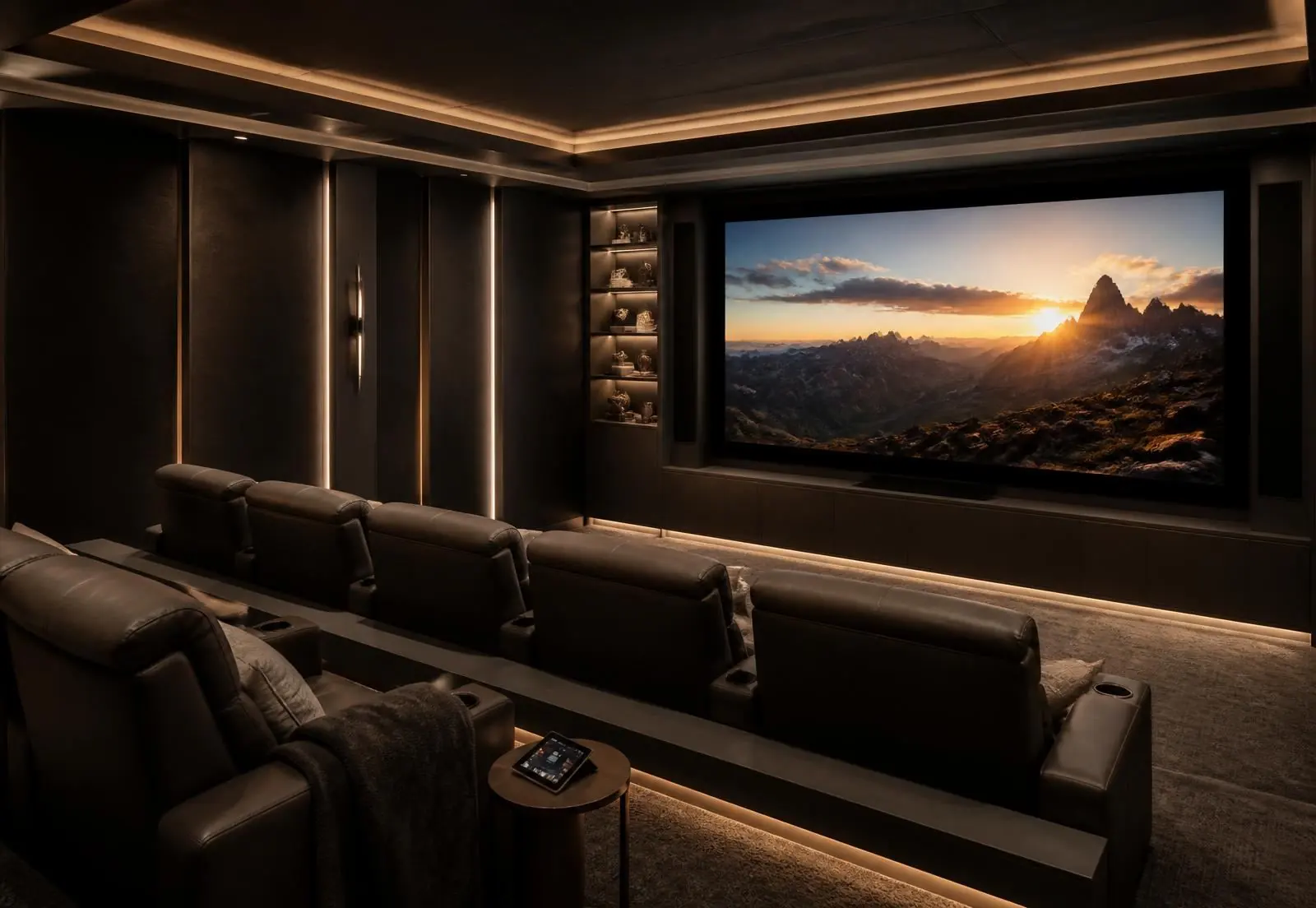
What makes a theater a theater
Room proportion and seating distance calculated to the screen. Acoustic treatment at first reflection points. Complete light control. A riser sized so the second row actually sees. And equipment located and ventilated away from the seats, because fan noise ruins a quiet scene more reliably than any speaker deficiency.
Retrofit in an older house
In an occupied mid-century home, the realistic path is: network and access points first, then lighting control using existing switch boxes, then audio in the rooms with attic or crawl access, then shades. Sequencing it this way delivers the improvements people notice soonest without opening walls that do not need to be opened.
Integration in this corridor
Peters Audio Video designs and installs residential technology across Barclay Downs and SouthPark, working alongside the builder during construction and handling retrofit work in occupied homes.
Answers
Frequently asked questions
When should smart home and AV be designed into a project?
At rough-in. Conduit paths, speaker backing, keypad locations, shade pockets, rack ventilation and network drops cost almost nothing before drywall and a great deal afterwards.
Can a 1960s brick house be retrofitted?
Yes, but never as cleanly. Plaster walls, shallow crawl spaces and solid masonry limit cable paths, so retrofits lean on wireless where acceptable and on surface raceway or ceiling routes where it is not.
Do I need a wired network if the mesh system works?
For a brick house with a detached garage and outdoor zones, yes. Consumer mesh fails predictably at masonry walls; hardwired access points on a real switch is the foundation everything else depends on.
What makes a dedicated theater different from a TV room?
Room geometry, acoustic treatment, light control, seating riser height and isolated equipment ventilation. Without those, a large display in a bright room is a television, not a cinema.
How much space does an equipment rack need?
A closet or basement bay roughly two feet deep with front and rear access, a dedicated circuit, and real ventilation — either an exhaust fan to a conditioned space or a cooled enclosure. Racks placed in unconditioned attics or sealed cabinets fail in a Carolina summer.
Should lighting control be part of the project?
If the electrical work is already open, yes. Replacing dozens of switches later is disruptive, whereas specifying a control system at rough-in also cleans up the wall clutter of a renovated open plan into a small number of keypads.
Projector or large-format television?
A projector and screen still win in a light-controlled dedicated room at 110 inches and above. In a family room with windows, a large direct-view display is the better picture and the less fragile installation.
Can outdoor audio and video be added to a rear terrace?
Yes, using weather-rated speakers on a dedicated zone, an outdoor-rated display in a shaded position, and conduit run during any hardscape work. Deep rear yards here take audio well, and sensible zoning keeps the volume off the neighboring lot.
How do these systems handle internet or power outages?
Correctly specified, lighting keypads and shades keep working locally, and a UPS on the rack rides through short interruptions. Systems that depend entirely on a cloud account for basic functions are the ones that go dark when the service does.
Who supports the system after installation?
The integrator who installed it should hold the documentation, remote monitoring and a service arrangement. Asking about support terms before installation is more useful than comparing equipment lists, because everything in the rack eventually needs attention.